
App access — how to read our coverage on any device
IPL Fantasy Picks does not operate an app. This page explains how to read our coverage on any phone or desktop, verify the site address, and avoid fake apps claiming to represent our editorial work.
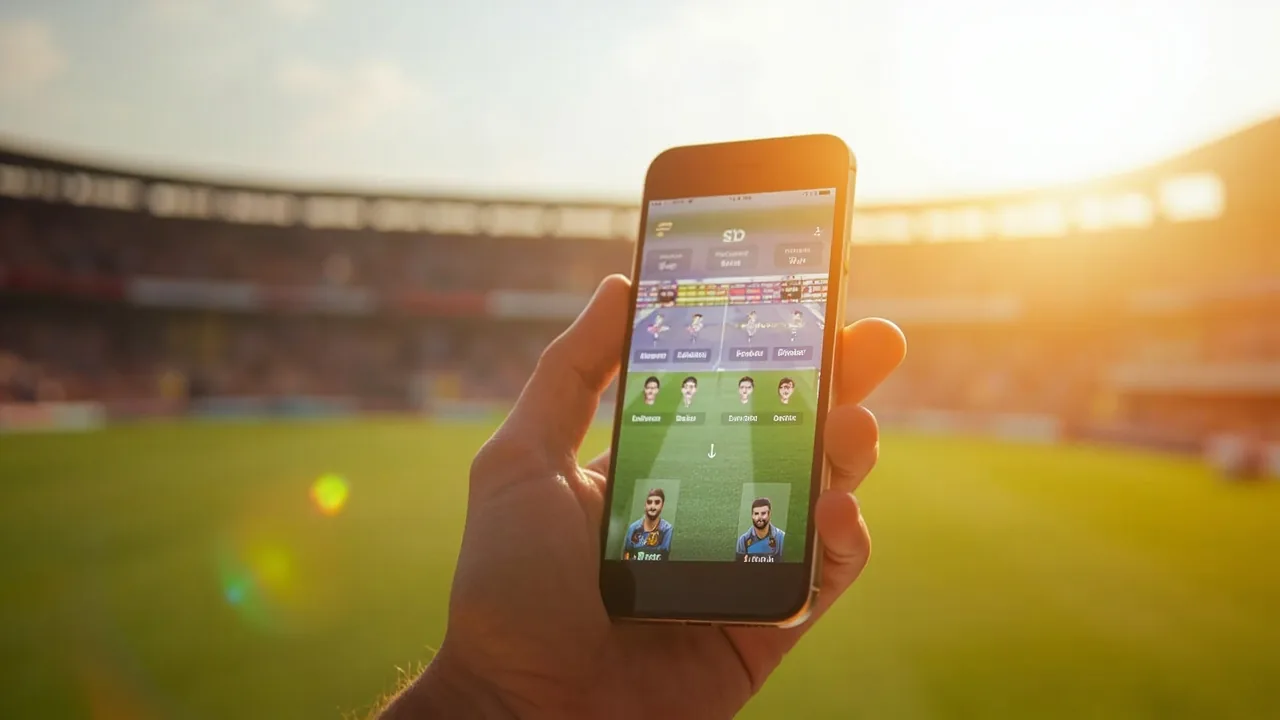
Add the desk to your phone without installing anything
Step 1 · Open the site
Go to iplfantasypicks.com on your phone's browser. The mobile layout adapts the live match desk, the captain matrices, and the news feed for narrow viewports. No zoom required.
Step 2 · Bookmark the match desk
Once the match desk is loaded, tap your browser menu and choose "Add to Home Screen" or bookmark. On iOS this adds the desk to your home screen as a small icon; on Android the same option uses your browser's flow.
Step 3 · Verify the address
Always check the address bar in your browser. Real iplfantasypicks.com is the only domain we publish from. Any app claiming to be IPL Fantasy Picks outside of this URL is not us.
Step 4 · Read freely, share the captain reads
Every article and every captain matrix on this site is free to read at any time. We don't require an account, an email, or an app install. Sharing a captain read with a friend is one copy-paste away — and we don't gate links behind a paywall or a sign-in.
Questions our readers ask
No. We are an editorial desk; we do not operate a fantasy platform or an app store product. Our coverage is available on this website at no charge and does not require any download.
Our website is built mobile-first and works on any modern phone browser. You can bookmark the match desk or any particular match preview on your home screen — that gives one-tap access without needing an app install.
We are an independent editorial desk focused on the written analysis and the data behind it. Apps add cost and operation overhead that an editorial-only product doesn't need; our existing web delivery covers what we publish without bloat.